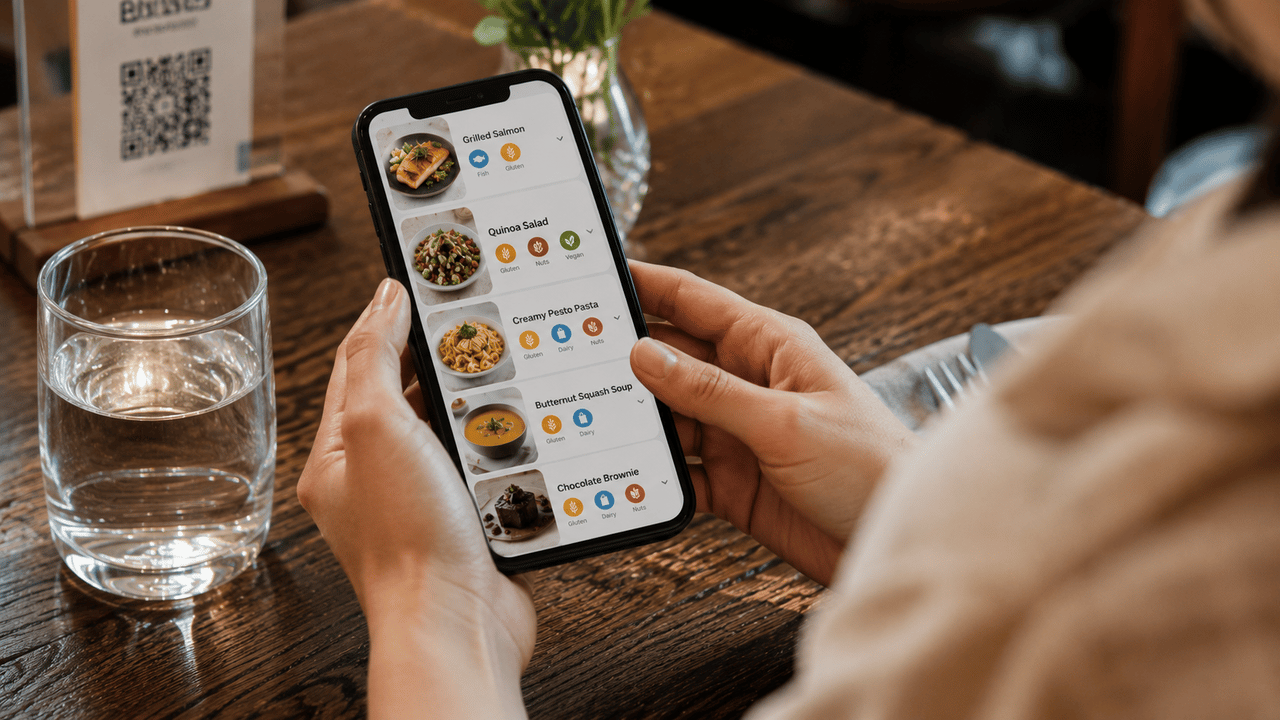
Having a digital menu is a good start. But most restaurants stop there. They set it up once, never look at it again, and wonder why guests still ask for a paper menu. Here are the five mistakes we see most often, and what to do instead.
No photos, or bad photos
A menu without photos makes guests guess. A menu with dark, blurry, or poorly lit photos makes them worried. Food photography doesn't need to be professional, but it needs to be appetizing. Natural light, a clean background, and a steady hand go a long way.
If you can't photograph every dish, that's fine. Pick your top sellers and seasonal highlights. A few great photos are better than twenty bad ones.
Missing allergen information
This one is both a legal requirement and a trust issue. EU regulations require you to communicate 14 allergens for every dish. But beyond compliance, guests with allergies or dietary restrictions will choose the restaurant that makes them feel safe over the one that doesn't.
A digital menu makes this easy. Tag each dish with the relevant allergens and dietary labels once, and every guest sees them automatically. No footnotes, no asking the waiter to "check with the kitchen."
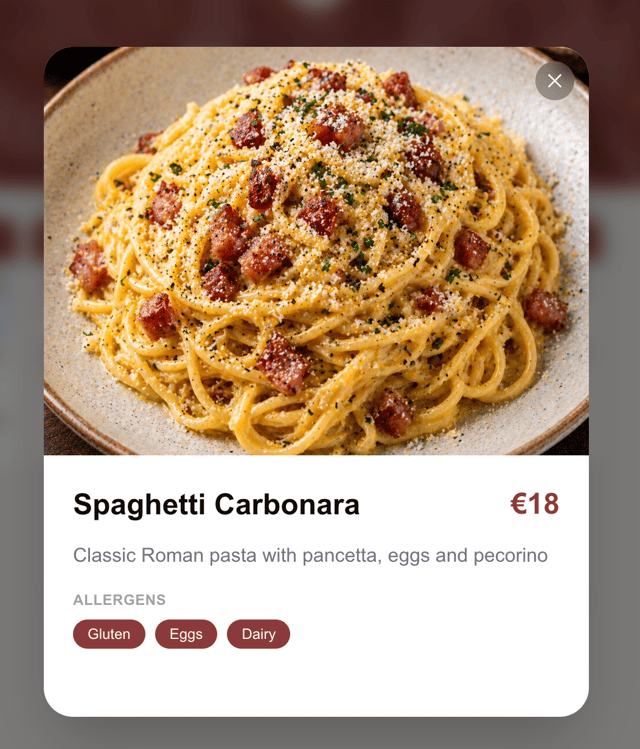
Allergens displayed clearly on each dish. No footnotes needed.
Outdated prices and items
Nothing erodes trust faster than a guest ordering something from the menu and being told "we don't have that anymore" or "the price has changed." If your digital menu shows last season's specials or prices from six months ago, it's doing more harm than good.
The whole point of a digital menu is that you can update it instantly. Make it part of your routine: when you change a price or remove a dish in the kitchen, update it on the menu. It takes seconds.
Quick check
Open your digital menu right now on your phone. Is every item available today? Is every price correct? If you hesitated, it's time for an update.
Using a template that doesn't fit your restaurant
A dark, moody template for a beachside cafe. A playful, colorful layout for a fine dining room. The template sets the tone before the guest reads a single word. If it doesn't match your restaurant's personality, it creates a disconnect that's hard to explain but easy to feel.
Pick a template that reflects your space and your food. Then customize the colors to match your brand. The right template makes your menu feel like an extension of your restaurant, not a generic PDF.
Browse our templates
Minimal
Clean single-column list
Verdant
Two-column botanical layout
Classic
Card grid with images
Urban
App-style with gradient hero
Feast
Magazine editorial with large photography
Romantic
Elegant script with serif typography
Brasserie
Multi-column grid, classic restaurant style
Broadsheet
Bold editorial layout with two-column sections
Osteria
Classic Italian trattoria — vertical list, serif typography
Cafe
Cobalt blue and white with checkered details
Diner
Bold printable card with retro details
Night
Dark luxury for bars and steakhouses
Zen
Japanese minimal with generous whitespace
Terraces
Mediterranean warmth and sandy tones
Pop
Bright cards and playful fast-casual energy
Not looking at the analytics
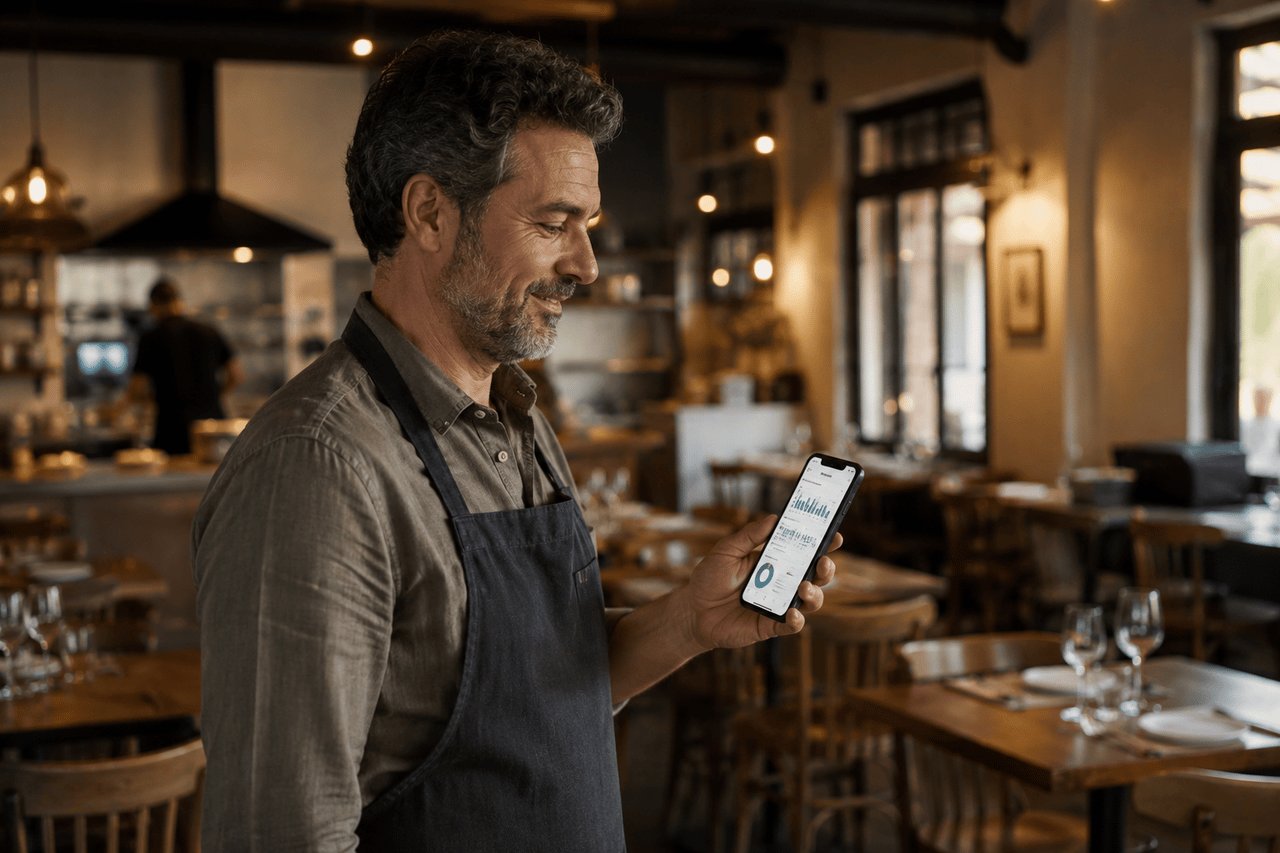
Your digital menu is collecting data every day: which dishes get tapped, what guests search for, how many people are browsing right now. Most restaurant owners never check. That's like having a focus group running 24/7 and ignoring the results.
Check your analytics once a week. Look at your top-viewed items. Check if anything is getting zero attention. See what guests are searching for that you don't offer. These small insights add up to better menus and smarter decisions.
The good news
Every one of these mistakes is fixable in minutes. Add a few photos. Tag your allergens. Update your prices. Switch to a template that fits. And start reading your analytics. Your menu is the first thing your guests interact with. Make it count.
Build a menu your guests will love.
15 templates, allergen labelling, live analytics. Free to start.
Create your menu →