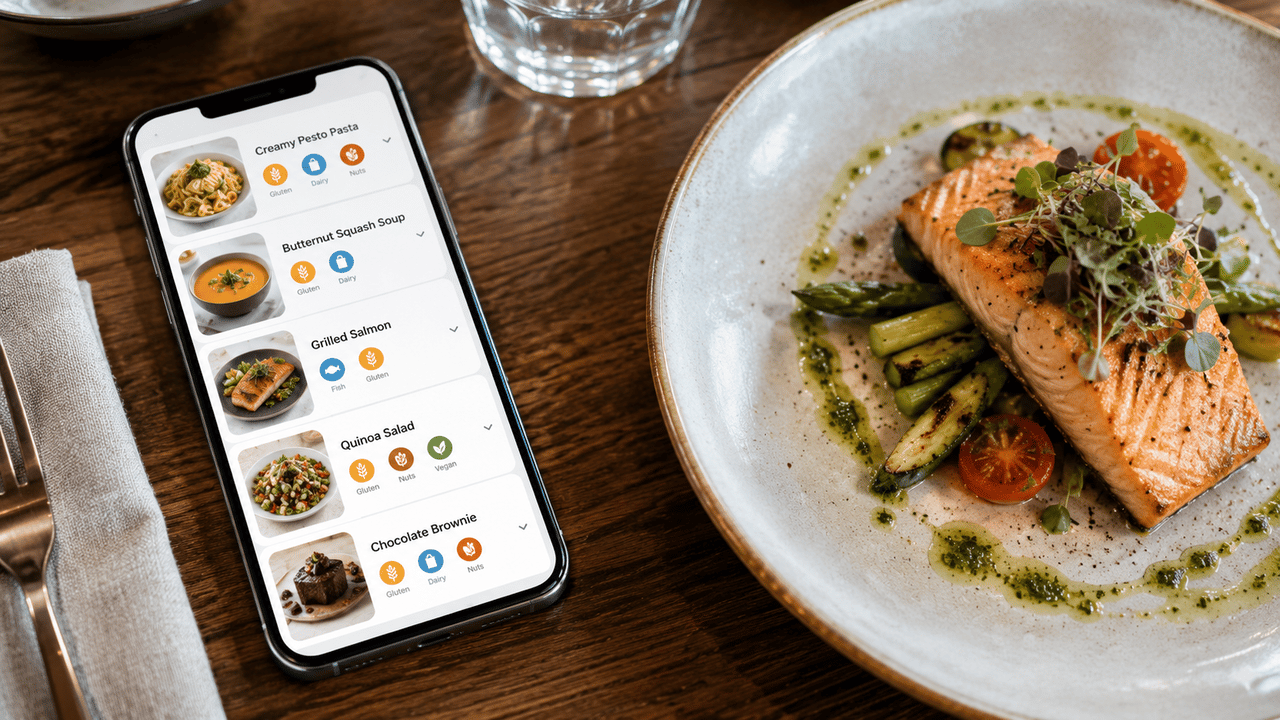
If you run a restaurant in the EU, you're required by law to tell your guests about allergens in every dish you serve. That covers 14 specific allergens, from gluten and dairy to lupin and molluscs. Most restaurants handle this with tiny footnotes on a paper menu, or worse, by telling staff to "just know it." Neither works. Here's how to get it right.
What the law actually requires
EU Regulation 1169/2011 (the Food Information for Consumers regulation) requires every food business to communicate allergen information to customers. This applies to restaurants, cafes, bakeries, food trucks, and catering companies. It doesn't matter if you have a Michelin star or a takeaway window.
The regulation covers 14 allergens that must be declared. For non-prepacked food (which includes everything served in a restaurant), you need to make this information available before the customer orders. That means it needs to be on your menu, on a visible notice, or verbally communicated by trained staff.
The key word is "before." If a guest has to ask, and your server has to go check with the kitchen, you're not meeting the standard. The information should be right there when they're deciding what to order.
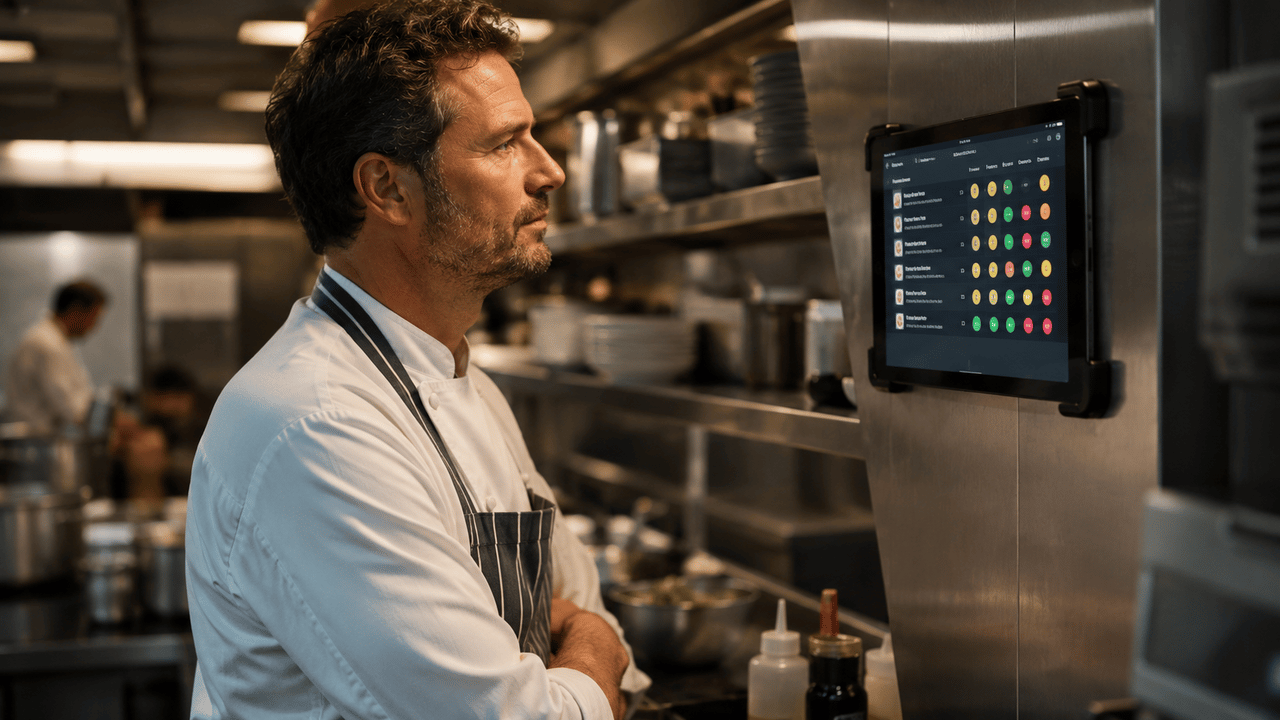
The 14 allergens you need to declare
These are the 14 allergens defined by EU law. Every dish on your menu that contains any of these needs to declare it. No exceptions, no "it's just a trace amount."
Gluten
Wheat, rye, barley, oats, spelt
Crustaceans
Shrimp, crab, lobster, crayfish
Eggs
All egg products, mayonnaise, pasta
Fish
All fish species, fish sauce, Worcestershire
Peanuts
Peanut oil, satay, some desserts
Soy
Soy sauce, tofu, edamame, miso
Dairy
Milk, butter, cheese, cream, yogurt
Tree nuts
Almonds, hazelnuts, walnuts, cashews, pistachios
Celery
Celery salt, soups, stocks, salads
Mustard
Seeds, powder, sauces, dressings
Sesame
Seeds, oil, tahini, hummus
Sulphites
Wine, dried fruit, some sauces
Lupin
Flour, seeds, some baked goods
Molluscs
Mussels, oysters, squid, snails
Some of these are obvious (most people know about nut and dairy allergies). Others are easy to miss. Celery hides in stocks and soups. Sulphites show up in wine and dried fruit. Lupin flour is used in some breads and pastries. If your kitchen uses any of these ingredients, even as a minor component, you need to declare it.
Why footnotes and symbols don't work
The most common approach is to print tiny numbers or letters next to each dish, then list what they mean at the bottom of the menu. You've seen it: "1 = Gluten, 2 = Dairy, 3 = Eggs" in 8pt font at the bottom of page four.
The problem? Nobody reads it. Guests with serious allergies end up asking the server anyway, which defeats the purpose. And every time you change a recipe or add a dish, you have to update the footnotes, recheck the numbering, and reprint the menu. It's error-prone and expensive.
Staff-based communication has its own problems. New hires don't know every ingredient in every dish. Busy shifts lead to mistakes. And if a guest has an allergic reaction because someone forgot to mention the sesame in the dressing, you have a serious liability issue.
The real risk
Food allergies send roughly 26,000 people to emergency rooms across the EU every year. For your guests with allergies, clear labelling isn't a nice-to-have. It's the difference between a good meal and a hospital visit. Getting it wrong isn't just a compliance issue. It's a safety issue.
The digital menu advantage
A digital menu solves the three biggest problems with allergen labelling: visibility, accuracy, and maintenance.
- Visibility. Allergens are displayed clearly next to each dish, not buried in footnotes. Guests see them while they're deciding, not after they've ordered.
- Accuracy. You tag allergens once per dish in the system. No manual footnote numbering. No hoping the server remembers. The information is consistent every time.
- Maintenance. Change a recipe? Update the allergen tags and it's live instantly. No reprints, no crossed-out footnotes, no version control nightmares.
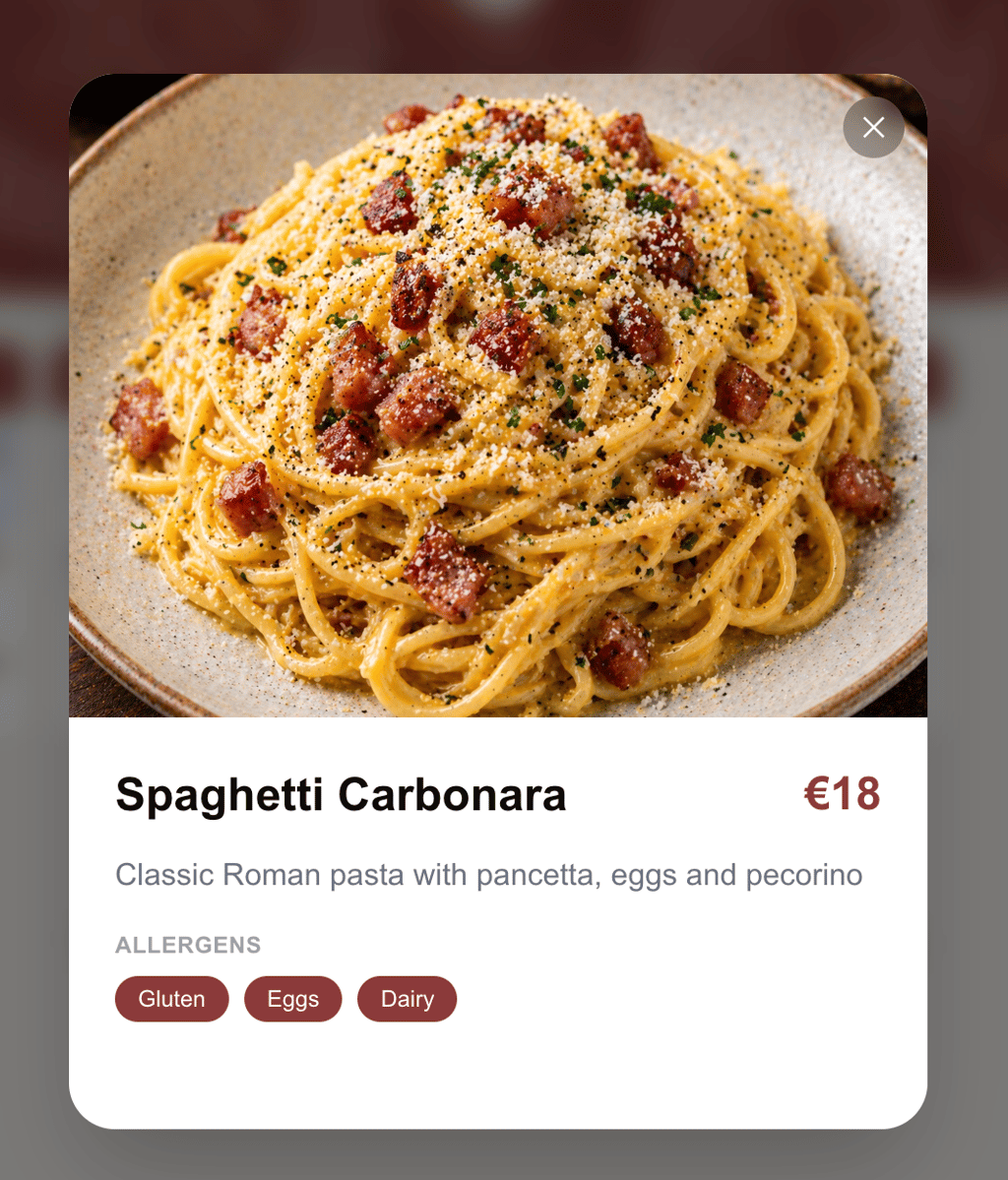
What your guest sees: allergens right on the dish on OneTapMenu.
Beyond the 14: dietary labels matter too
Allergens are a legal requirement, but dietary preferences are a business opportunity. More and more guests are looking for vegan, vegetarian, halal, kosher, or gluten-free options. If your menu makes it easy to find these, you'll attract diners who would otherwise pick a different restaurant.
With a digital menu, you can tag dishes with dietary labels alongside allergens. Guests can see at a glance which items work for them. No awkward conversations with the waiter, no guessing, no leaving disappointed.
Vegan & Vegetarian
Clearly marked so plant-based diners find what they need fast.
Halal & Kosher
Guests with religious dietary requirements can order with confidence.
Gluten-Free
No more asking the waiter to check every single dish.
How to set it up in 10 minutes
With OneTapMenu, allergen labelling is built into the menu builder. When you add or edit a dish, you see all 14 EU allergens and dietary labels as toggles. Tap the ones that apply, save, and they're immediately visible to your guests on your digital menu.
Open a dish in the menu builder
Tap the allergens and dietary labels that apply
Save. Your guests see the update instantly.
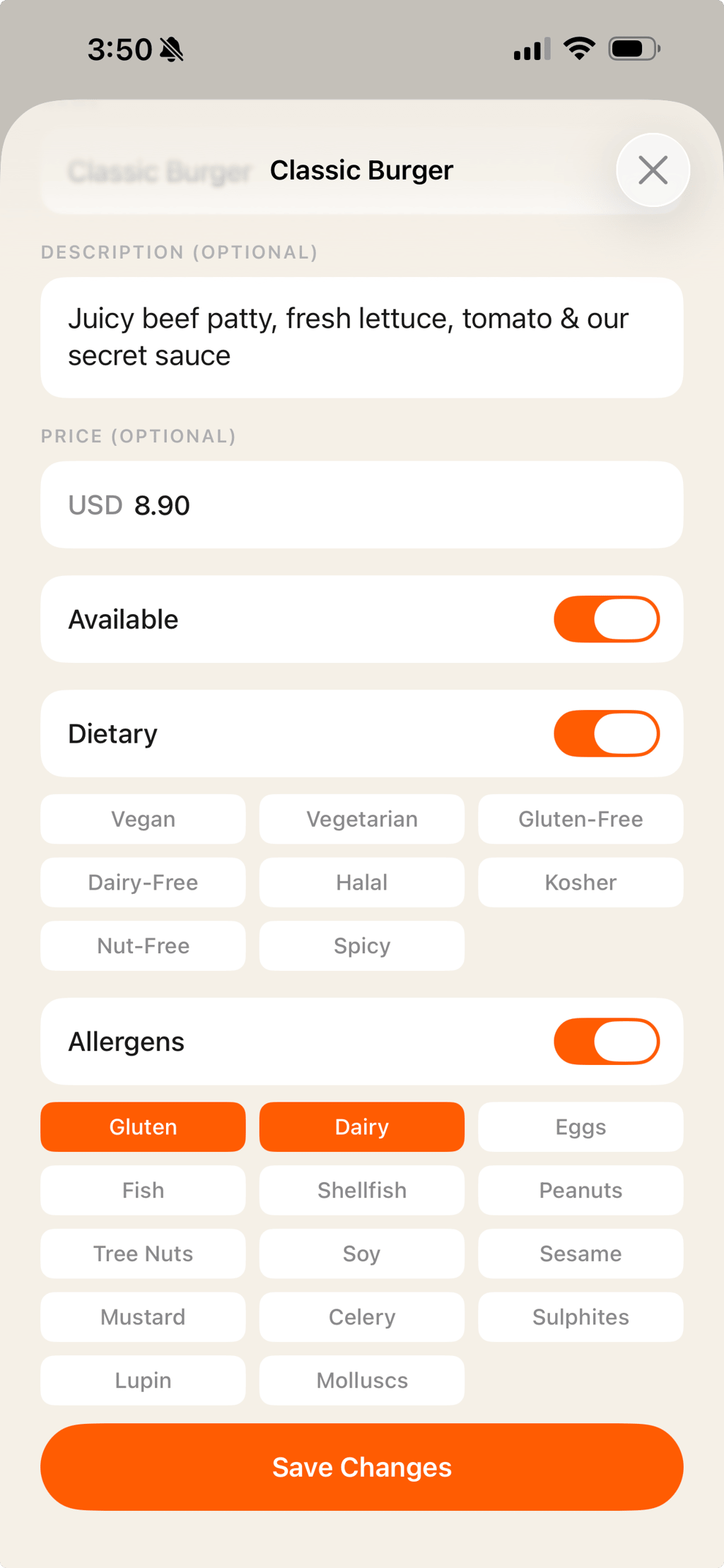
No footnotes. No cross-referencing. No reprints. Tag it once, and every guest who scans your QR code sees the right allergen information for every dish, every time.
Make allergen labelling easy.
All 14 EU allergens and dietary labels, built into your digital menu. Free to start.
Create your menu →